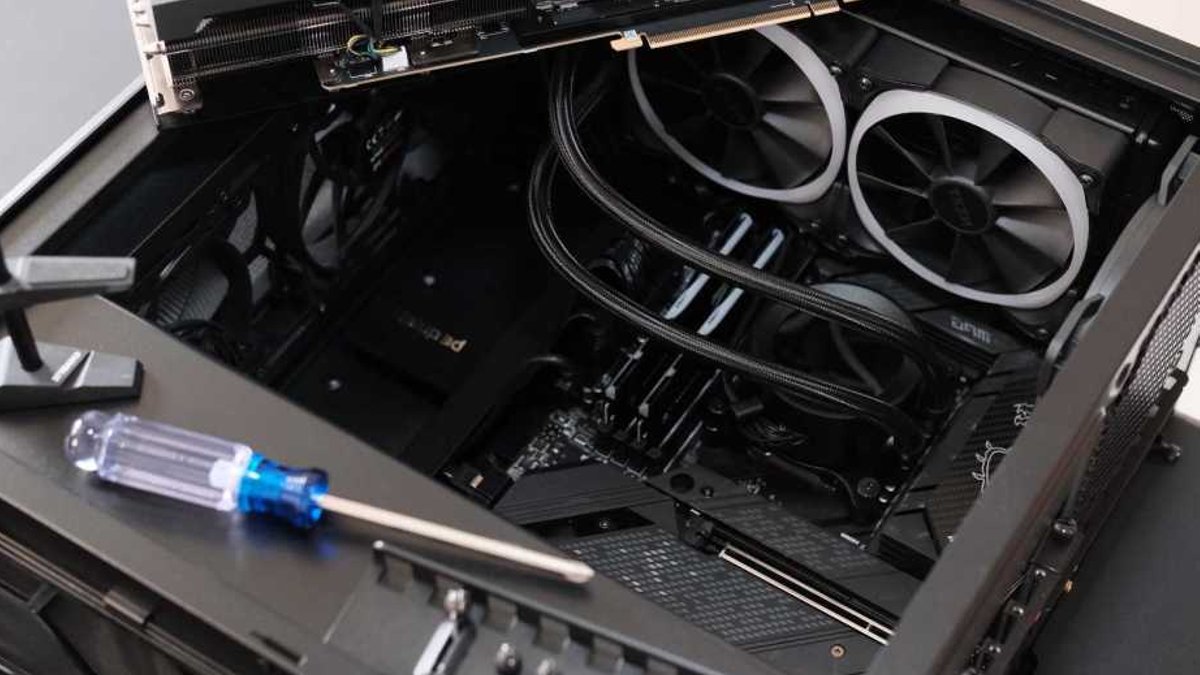
A veteran PC builder with 20 years of experience warns that many hobbyists rely only on basic tools like screwdrivers and a clear workspace, missing out on accessories that streamline assembly. The right equipment cuts down on errors, speeds up installation, and protects high-value components from accidental damage. Good lighting solves one of the most common headaches in PC assembly. Dark case interiors make it difficult to spot screws or connectors hidden in shadows. Hands-free options like LED flashlight gloves direct illumination exactly where it’s needed without requiring builders to pause and adjust a separate lamp. This feature proves especially useful when working inside motherboard trays or around power supply shrouds, where visibility drops sharply.
For tight spaces, precision tools like needle-nose pliers or hemostats become essential. These allow builders to retrieve small screws or misplaced parts from cramped areas, such as beneath graphics cards or in the deepest corners of a case, without resorting to brute force that could loosen other components. A long-neck magnetic screwdriver further improves efficiency by reducing wrist strain while keeping screws securely in place during installation.
Read Also: Logitech MX Mechanical keyboard disappoints with loud rattling
Organizing components during assembly prevents frustration later. Magnetic parts trays hold screws and standoffs in designated slots, eliminating the risk of them rolling away or getting mixed up. A screw assortment kit, often costing less than $10 for over 500 screws, ensures builders always have the correct fasteners for motherboards, SSDs, or other hardware.
These kits also include silicon washers and specialized screws designed for stealth builds, where visible fasteners would compromise a sleek aesthetic. Static protection remains critical, and while wrist straps aren’t always practical, an anti-static mat provides a simple solution. Placed under the workspace, it prevents static discharge when handling coolers, shrouds, or heat spreaders. The same mat also shields wooden desks from scratches during disassembly. Cleaning components requires care to avoid damage. Removing old thermal paste or dust from PCBs demands precision tools, isopropyl alcohol and microfiber cloths are safer than paper towels or cotton swabs, which can scratch surfaces or leave lint behind.
Read Also: Mini PC Deals Deliver Performance and Savings
For stubborn residue, the gentle abrasion of a microfiber cloth works more effectively than improvised scraping methods. Some tools address unexpected challenges. A cordless air duster replaces compressed air cans, which can damage components with high-pressure blasts or leave behind residue from propellants. The reusable tool eliminates both risks while maintaining a clean workspace. For lost parts, sticky putty serves as a last-resort solution, pressing it against a screw or battery can sometimes dislodge stubborn components when traditional tools fail. Even experienced builders admit these accessories would have saved them time and stress had they adopted them earlier. The initial cost is minimal compared to the time and frustration avoided during assembly.