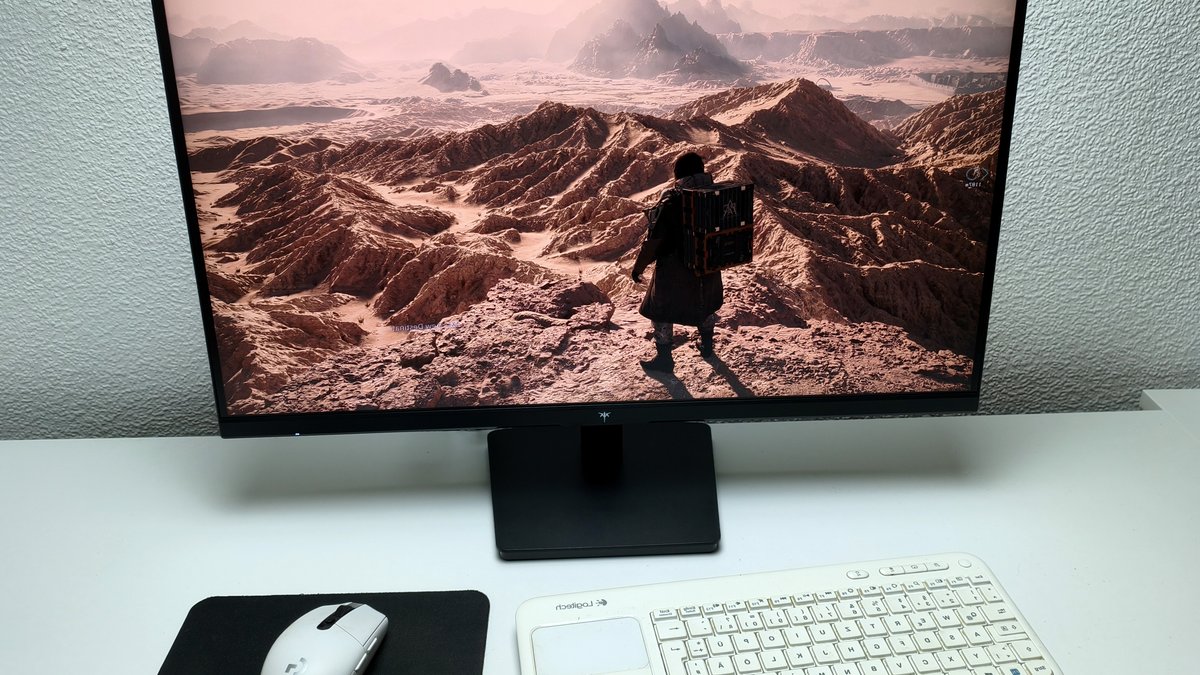
The KTC H27D9 monitor is currently listed for $135 on Amazon, positioning it as one of the most affordable 27-inch QHD displays on the market. It combines a 2560 × 1440 resolution with a 100 Hz refresh rate, IPS technology and Adaptive Sync support, aiming to attract office workers, multimedia fans and casual gamers.
Price and Design
At 27 inches, the screen adopts a 16:9 aspect ratio and weighs roughly 3.6 kg, making it easy to move or mount. The plastic housing features slim top and side bezels, giving the unit a modern look despite its low price point. An external 36-watt adapter powers the monitor, keeping energy consumption modest.
Rear connectivity includes two HDMI 2.0 ports, a DisplayPort 1.4 input, an audio jack and a Kensington lock slot. While the selection covers basic needs, the absence of any USB ports is noticeable. The stand offers tilt adjustment only; height and swivel are not available, though a 75 × 75 mm VESA mount can be used for wall mounting.
Performance and Color Accuracy
Factory specifications claim full sRGB coverage, and testing confirms the panel reaches at least that level, making it suitable for most gaming and content-creation tasks. Measured brightness averaged 226 cd/m², a bit lower than the advertised 247 cd/m², but still adequate for typical indoor lighting. Contrast ratio measured around 950:1, with a black level of 0.26 cd/m², matching expectations for an IPS panel.
Out of the box the display exhibits a noticeable yellow tint, which can be corrected with calibration. After applying an ICC profile, color accuracy improves dramatically, with a ΔE 2000 of 2.5 on the ColorChecker chart. The panel’s color gamut covers roughly 95% of sRGB and about 78% of Adobe RGB, providing decent vibrancy without oversaturation.
Response-time testing shows a black-to-white transition of 23.9 ms and a grey-to-grey shift of 34 ms. These figures place the H27D9 behind many competing monitors and could produce noticeable ghosting in fast-paced games. Enabling the overdrive setting reduces lag slightly, but the improvement remains modest.
One advantage for sensitive users is the lack of detectable PWM flicker across the brightness range. The monitor’s dimming is handled without backlight modulation, reducing the risk of eye strain during prolonged sessions.
Ergonomics and User Interface
Assembly proceeds without tools; the stand and base click together within seconds, simplifying initial setup. The on-screen display is accessed through a rear-mounted directional pad, offering clearly labeled menus that users can handle without difficulty.
Additional Features and Comparative Context
HDR capability is included, allowing higher dynamic range content to display with enhanced contrast when supported by source material. Adaptive Sync technology, compatible with both major variable-refresh standards, helps reduce tearing during fast motion scenes.
The monitor incorporates eye-care features designed to lessen strain during extended sessions, such as reduced blue-light emission and flicker-free dimming. These attributes align with the product’s positioning toward office and multimedia users.
The review was conducted with an independently sourced unit provided on loan, ensuring that the manufacturer had no editorial influence. Testing followed the publication’s standardized procedures, employing calibrated equipment to guarantee objective measurement across all examined parameters.