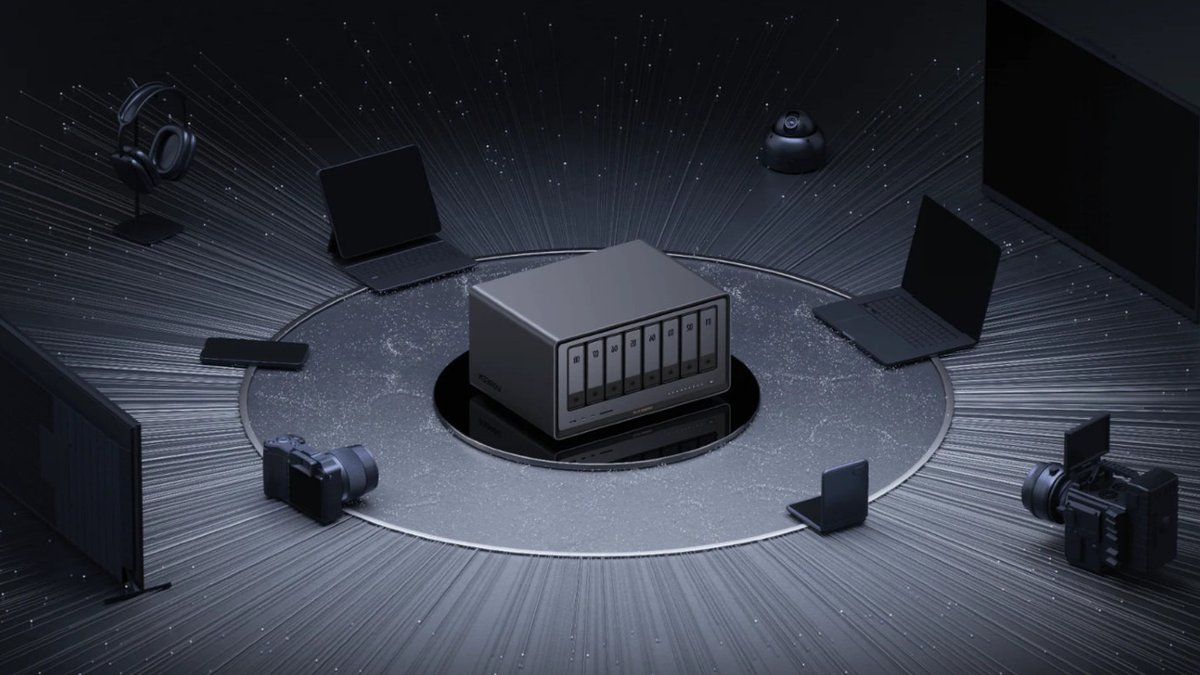
When users set up a network-attached storage (NAS) server, they expect to access files remotely through a web interface or app. However, Ugreen NAS units include an HDMI port that may seem out of place for a device designed for internet-based access. The port enables direct connections to monitors, offering functionalities beyond standard remote file access.
Connecting to a Monitor for Media Playback
The most immediate use of the Ugreen NAS HDMI port is to watch media files stored on the device. Users can connect the NAS directly to a PC monitor or projector without needing an external streaming device like a Roku Streaming Stick or smart TV. However, playback requires the Ugreen phone app as a remote control. When the NAS is connected to a screen via HDMI, a notification prompts users to cast media using the app. The app then allows navigation and control of the media library, though this setup involves an extra step compared to typical streaming methods.
This approach is practical when external devices are unavailable or when a direct connection is preferred for local viewing. The HDMI port provides flexibility, enabling users to repurpose older monitors or projectors instead of relying solely on network streaming.
Read Also: Customizing the Slate Truck with extras
Accessing BIOS and Terminal via HDMI
Beyond media playback, the HDMI port supports advanced system access. With a keyboard and screen connected, users can enter the BIOS setup during boot-up by pressing Ctrl and F12 simultaneously. This allows configuration changes, such as disabling the Watchdog Settings under the Advanced tab to prevent unexpected reboots. While most users may not need BIOS adjustments, this feature is valuable for troubleshooting or modifying system behavior.
Some Ugreen NAS models also permit terminal access via HDMI. Pressing Ctrl Alt F1 (or similar key combinations depending on the model) opens a command-line interface. This method simplifies direct server management without requiring an SSH connection from another device. However, altering terminal settings carries risks, as incorrect changes can lead to system instability or data loss.
Practical Considerations for HDMI Use
While the HDMI port provides useful features, its utility depends on specific scenarios. Media playback via the Ugreen app requires a smartphone, which may be inconvenient for some users. Similarly, BIOS and terminal access are niche functions typically used by advanced users addressing boot problems or reconfiguring the operating system. These capabilities highlight the port’s role in providing flexibility, particularly when network connectivity is unreliable or unavailable.